# How to Program Jeep Grand Cherokee Key Fob (And What to Do When It Fails)
Alright guys, so picture this: you’re sitting in your 2015 Jeep Cherokee Limited, and there’s this annoying beep that just won’t stop. The dash is telling you “Key Fob has left the vehicle” even though you’re holding the thing in your hand. The vehicle barely wants to start, and you have to hold the key fob right up to the start button and try a couple dozen times before it finally fires up. Sound familiar? That’s exactly what we’re dealing with today, and I’m going to walk you through what it takes to program one of these key fobs—plus how to figure out if your problem is actually the fob or something else entirely.
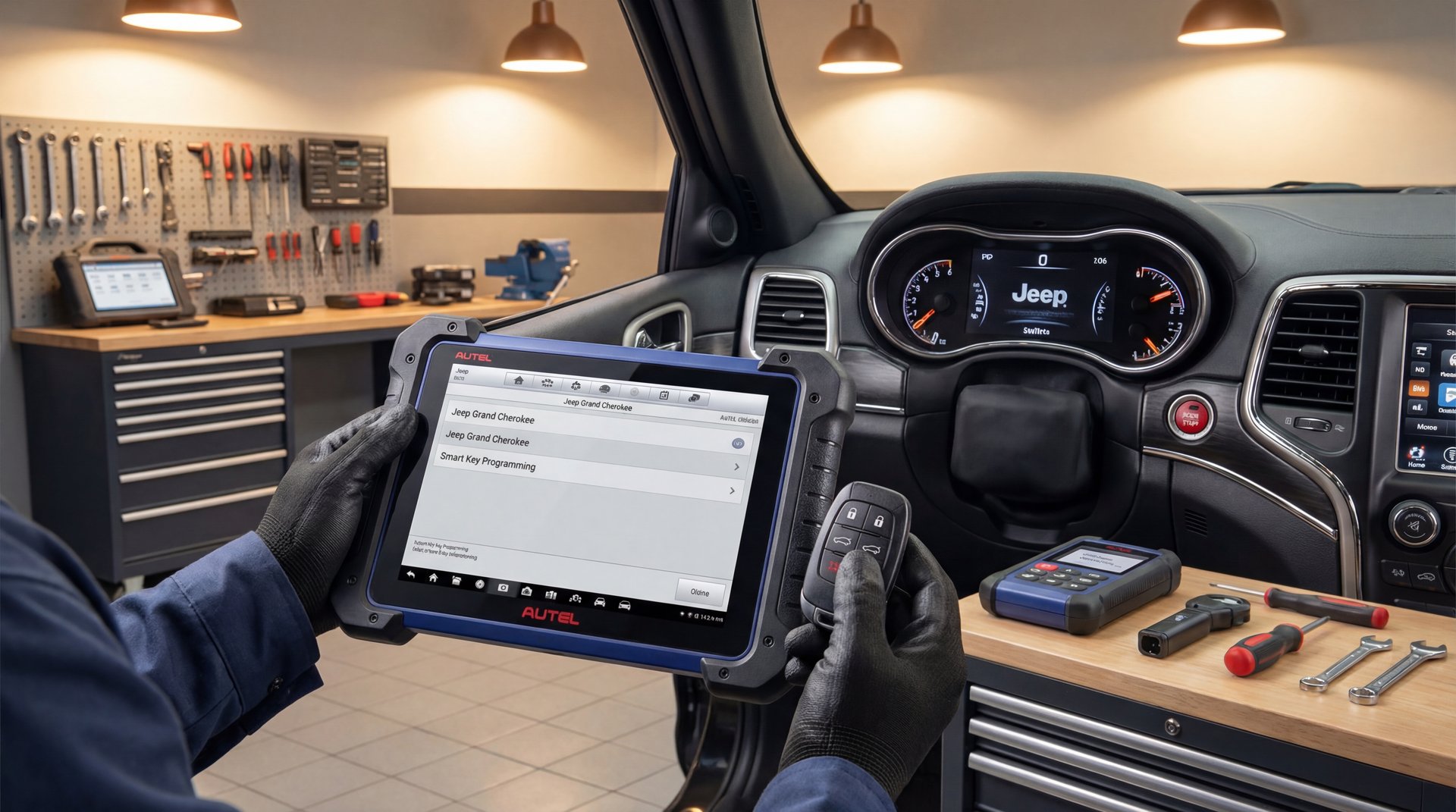
Now, the thing is, programming these newer push-button start Jeeps isn’t like the old days where you could just cycle the ignition a few times. These 2014 and newer Grand Cherokees with smart key proximity systems require special dealer-level software. What I’m using here is the Autel IM608, which does regular diagnostics as well as key programming. I’ll show you exactly what this process looks like, and then we’ll talk about what to do when the programming fails—because yeah, that’s what happened on this one.
Understanding Jeep Key Systems
Before we dive into programming, you need to know what you’re working with. Not all Jeep Grand Cherokee key fobs are created equal, and that makes a huge difference in whether you can program them yourself or if you need special equipment.
The older Grand Cherokees from around 2005-2010 used what’s called a Fobik—basically an integrated key-head remote. Some of those years actually let you do owner programming if you had two working keys already programmed. You’d cycle through this procedure with the ignition, inserting the first key, then the second, then the new one. Pretty straightforward.
But once you hit the 2011+ models, especially the 2014 and newer with push-button start, all that goes out the window. These use a smart key or proximity key system, and there’s no built-in user procedure for programming. You absolutely need dealer-level equipment or a professional locksmith tool like the Autel IM608 that I’m using here.
⚠️ Warning
If you use the erase and re-learn procedure (which the Autel requires), any old keys that aren’t re-programmed during the process will no longer start your vehicle. Make sure you have ALL your keys ready before you start, or you’ll lock yourself out.
The system works through an RF Hub module that communicates with your key fob. There’s actually two receivers in these vehicles: one is a ring around the ignition switch that reads the security transponder, and then the actual RF transmitter/receiver for the remote functions is located in the left rear quarter panel. This becomes important when we’re diagnosing problems later.
Tools Needed for Programming
🔧 Tools Needed
Autel IM608 or similar dealer-level programming tool
Working key fob (if available for testing)
Replacement key fob (if needed)
Laptop or tablet with Wi-Fi for tool updates
OBD-II connection to vehicle
Alright guys, so let’s talk about what you actually need for this job. The big one is the programming tool itself. I’m using the Autel IM608, and this thing runs you a pretty penny—we’re talking several thousand dollars. It’s the same type of equipment dealers and locksmiths use. It does full diagnostics plus key programming for basically every make and model.
Now, if you’re just a DIYer who needs to program one key for your own vehicle, buying one of these probably doesn’t make sense. You’re better off finding a locksmith who has the equipment. But if you’re in the business or you work on multiple vehicles, the IM608 is a solid investment.
1-10 min
PROGRAMMING TIME
per key fob (when it works)
The other thing you need is a working key fob to start with, or at least access to the vehicle’s security system. The tool has to read the security PIN code from the vehicle’s computer, and then it uses that to authorize programming new keys. On this 2015 Cherokee, the system showed it had two keys already learned, which is good information to have.
Real quick, make sure your programming tool is connected to Wi-Fi before you start. The Autel needs to pull down the latest vehicle data and security protocols, and if you’re not connected, the whole process can fail right from the start.
The Programming Process Step by Step
So let me walk you through exactly what this process looks like with the Autel IM608. I’m going to run through this real quick so you can see what it takes.
First, we plug the tool into the OBD-II port and turn the ignition on. From the main menu, we go into the program menu, then select Jeep. The tool has automatic selection, so it’s going to read the VIN and figure out what model we’re working with. It comes back with Jeep Cherokee—perfect.
Now here’s where that annoying dinging is happening. The dash is saying “Key Fob has left the vehicle” and it just keeps going. We’re all going to have to listen to this for a bit, sorry about that. The customer’s been driving with this thing dinging the whole time, which would drive me absolutely crazy.
We go into “Hot Functions” and then “Learn Key Guided.” The tool gives us two options—I’m going to use Learn Key Guided 1 for this one. This is actually very straightforward if you have the correct equipment.
🔧 Pro Tip
Before starting any key programming, check how many keys the system shows as learned. On this Cherokee it showed two keys, which means I needed to call the customer to see if they had the other key. You don’t want to accidentally erase a key the customer still has and needs.
The tool runs through its system test and checks the number of programmed keys. Then it reads the security PIN, which is critical—that’s what we need for the programming to work. The screen tells us that to learn a programmed key, we have to erase the existing keys first. Basically, we’re wiping the slate clean and starting over.
Next, the tool tells us to turn the ignition off and turn the hazard lights on. Make sure the device is connected to Wi-Fi. So we shut the car off, turn the hazards on—and hey, the dinging finally stopped! We can all be excited about that.
Now the tool says “Establish communication” and warns us this could take 1 to 10 minutes. So I paused the video and waited. When it comes back, we’ve got our security password saved. The tool saves it automatically, so you don’t necessarily have to write it down, at least with this program.
The next prompt says to turn the ignition off (already done), turn emergency flashing on (done), and make sure all wireless devices like cell phones and other proximity keys are not close to the vehicle. My phone was actually pretty close, but hopefully that won’t affect anything.
To learn a programmed key, you have to erase the existing keys first. Basically, we’re wiping the slate clean and starting over.
Flat Rate Mechanic
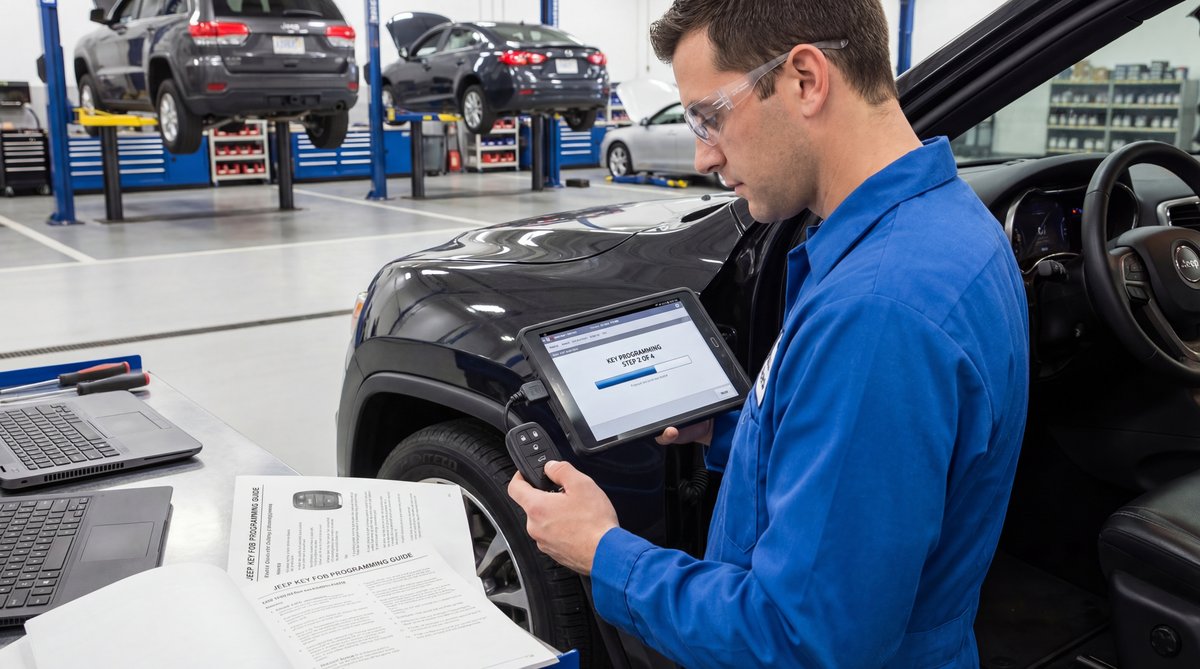
Now we get to the actual learning part. The screen says to hold the proximity key near the center console or start button and press the unlock button twice. So we take the key fob, get ready on the unlock button, set it on the start button, and hit OK on the tool. I’m doing this all with one hand while filming, so sorry about the camera stability.
We hit the unlock button twice and then we wait. There’s a countdown timer, usually around 45 seconds or so. The tool is communicating with the vehicle’s RF Hub, matching the key fob’s code to the security PIN, and trying to learn it into the system.
When Programming Fails: Diagnosis Tips
Okay, so the countdown’s almost done. This is where I wanted to show you something important—what to do when your vehicle won’t start or won’t recognize the key fob.
And… “Learning failed. Do you want to learn the next key?” No.
Alright guys, so here’s what happened. The reason the key failed to program is because more than likely the transmitter in this key fob is bad. The circuit board inside has failed, and it’s not sending out a proper signal that the vehicle can recognize.
This is actually a pretty common problem, and it’s why I wanted to do this video even though the programming didn’t work. Because the thing is, you need to be able to diagnose whether your problem is a bad key fob or a bad RF receiver in the vehicle. And there’s a way to figure that out.
❌ Common Mistake
People assume that if the key fob battery is fresh and the buttons click, the fob must be working fine. But the internal transmitter circuit can fail even when the battery is good. Don’t waste money on programming attempts with a dead fob.
So here’s what you do. In these vehicles, the RF receiver for the remote is located in the left rear quarter panel, basically back in the trunk area near the left rear tire well. If you place the key fob back there, right up against that area, and the “no key detected” message goes away or the vehicle starts, that tells you the transceiver (the receiver in the vehicle) is going bad. The fob is working, but the receiver is so weak it can only pick up the signal when the fob is right next to it.
But if you put the key fob back there and nothing changes—still says “no key detected,” vehicle still won’t start—that tells you it’s probably the remote itself that’s bad, not the receiver.
On this Cherokee, even holding the fob directly on the start button, it took me a couple dozen tries to get the vehicle to start before we even began programming. That’s a pretty good sign the fob itself is the problem.
The other thing to check is if you have a second key fob. Try that one and see if it works normally. If the second fob works fine, you know for sure the first one is bad. If both fobs are acting up, then you’re probably looking at a vehicle-side issue with the RF Hub or the antenna ring around the start button.
Aftermarket Fob
Dealer Fob
You Save
$50-100
$250-400
$200+
Getting Replacement Key Fobs That Actually Work
So if you’ve determined your key fob is bad, you’re going to need a replacement. You can buy these on Amazon for way cheaper than the dealership—we’re talking $50-100 versus $250-400 at the dealer. I’ll leave a link in the description where you can get aftermarket fobs that actually work.
Now, the thing is, these are aftermarket, but I’ve used them before and they work fine. You just need to make sure you’re getting the right one for your year and model. The FCC ID needs to match what your vehicle uses—for example, a lot of 2014-2021 Grand Cherokees use FCC IDs like M3N-40821302 or M3N-97395900. Check your original fob for the FCC ID printed on the back.
💰 Money Saver
If your key fob shell is just cracked or worn but the electronics work fine, you can buy just a replacement shell for $10-20 and swap the circuit board over. No programming needed since you’re using the same electronics. Just pop it apart with a small flathead screwdriver or plastic pry tool.
One thing to watch out for: if you’re buying a used fob, it needs to be properly “unlocked” or “virginized.” A lot of used fobs sold online are still locked to another vehicle’s VIN, and they won’t program to your Jeep no matter what you do. Stick with new aftermarket fobs or make sure the seller guarantees the used one has been unlocked.
Once you have the new fob, you’ll need to get it programmed. If you’ve got the older 2005-2010 models with the Fobik key, you might be able to do the self-programming if you have two working keys. But for these 2014+ push-button start models, you’re going to need a locksmith or dealer with the right equipment.
The battery in these fobs is usually a CR2032, which you can pick up at any store for a couple bucks. If your fob is acting flaky, always try a fresh battery first before assuming the fob is dead. Sometimes what seems like a bad fob is just a weak battery that can’t transmit a strong enough signal.
And real quick, if you’re having other electrical issues with your Jeep, sometimes a weak car battery can cause weird problems with the key fob system too. If you’ve been messing with your battery connections, make sure everything is hooked up right—I’ve got another video about what happens when you hook your battery up backwards that might save you some headaches.
Frequently Asked Questions
Can I program a Jeep Grand Cherokee key fob myself without special tools?
It depends on the year. For 2005-2010 Grand Cherokees with the Fobik key, some models let you self-program if you already have two working programmed keys. But for 2014 and newer push-button start models, you absolutely need dealer-level equipment like the Autel IM608 or Chrysler wiTECH. There’s no built-in owner procedure for the smart key systems. Your best bet is finding a locksmith with the right tools rather than trying to DIY it.
How can I tell if my key fob is bad or if it’s the vehicle’s receiver?
Here’s the trick: the RF receiver in Grand Cherokees is located in the left rear quarter panel. Put your key fob back in the trunk area right next to the left rear tire well. If the “no key detected” message goes away or the vehicle starts, that means your fob is working but the receiver is weak. If nothing changes, it’s probably the fob itself that’s bad. Also try a second key fob if you have one—if that one works fine, you know the first fob is the problem.
Will I lose my old keys when programming a new one?
On these 2014+ models, the programming process with tools like the Autel IM608 requires you to erase all existing keys first, then re-learn them. So if you’re programming a new key, you need to have ALL your existing keys ready to re-program at the same time. Any key that doesn’t get re-programmed during the process will no longer start your vehicle. Don’t skip this step or you’ll lock yourself out of one of your keys.
How long does it take to program a Jeep Grand Cherokee key fob?
If everything goes smoothly and the fob is working properly, the actual programming takes about 1-10 minutes per key. The tool has to communicate with the vehicle’s RF Hub, read the security PIN, and then learn the key fob’s code. But that’s when it works. If you’re troubleshooting a bad fob or receiver issues like we were, you can spend a lot longer diagnosing what’s actually wrong.
Are aftermarket key fobs as good as OEM from the dealer?
I’ve used aftermarket fobs before and they work fine. The quality isn’t quite as nice as OEM—the plastic might feel a little cheaper—but functionally they do the job. And you’re saving $200+ versus dealer prices. Just make sure you’re buying from a reputable seller and that the FCC ID matches your vehicle’s system. Avoid used fobs unless the seller guarantees they’ve been unlocked from their previous vehicle.
Thanks for watching this video, guys. I know it didn’t go exactly as planned with the programming failure, but honestly that’s real-world stuff that happens all the time. Not every repair goes smooth, and knowing how to diagnose when something fails is just as important as knowing the procedure itself.
If this was helpful, be sure to like and subscribe. And if you’re dealing with other Jeep issues, we’ve got tons of videos covering common problems—everything from AC leaks to finding where your car’s AC is leaking. Till next time, this is Flat Rate Mechanic.